Docs / Getting Started Build
Create Your First Knowledge Index
Run the compiler pipeline over a project and inspect the result.
An index is the .ekos/ directory next to your ekos.toml.
1. Initialize
cd /path/to/my-project
ekos init
This creates .ekos/ and, if absent, a starter ekos.toml:
[workspace]
root = "."
log-level = "info"
log-format = "pretty"

[observe]
paths = ["."]
ignore-patterns = [".ekos", ".git", "target", "node_modules"]
Add every dependency, virtualenv and generated directory you do not want observed to ignore-patterns (directory names, not globs). Preview the effect first:
ekos config preview-scan
2. Compile
ekos build      # observe files, redact secrets, store artifacts
ekos recover    # run analyzers: SQL, code ASTs, Git, docs, ...
ekos resolve    # merge duplicate identities
ekos compile    # KIR -> Canonical Knowledge Model
ekos commit     # append to the ledger, build search indexes
Each stage prints a summary. ekos status shows the ledger's entry and object counts.
3. Check health
ekos doctor
ekos status
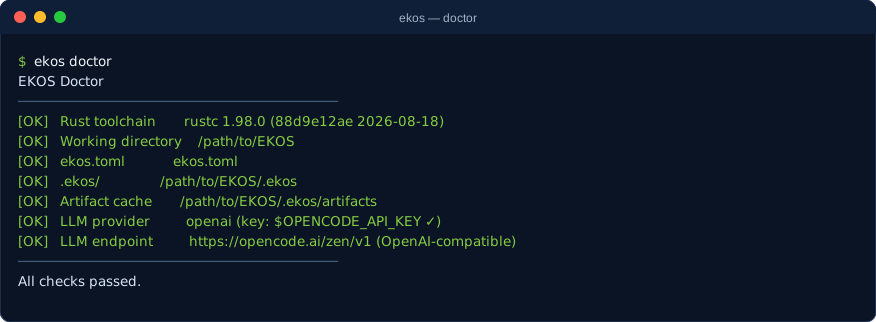

The two captures above are real output from EKOS indexing its own repository. Non-fatal problems appear as diagnostics with codes — see Error Codes.